Setting your Temperature and Measurement Settings
To access this new feature and set your Organization Settings, please do the following
- Go to Admin -> My Organization -> Account Settings
- Edit your Organization information and Select your preferences
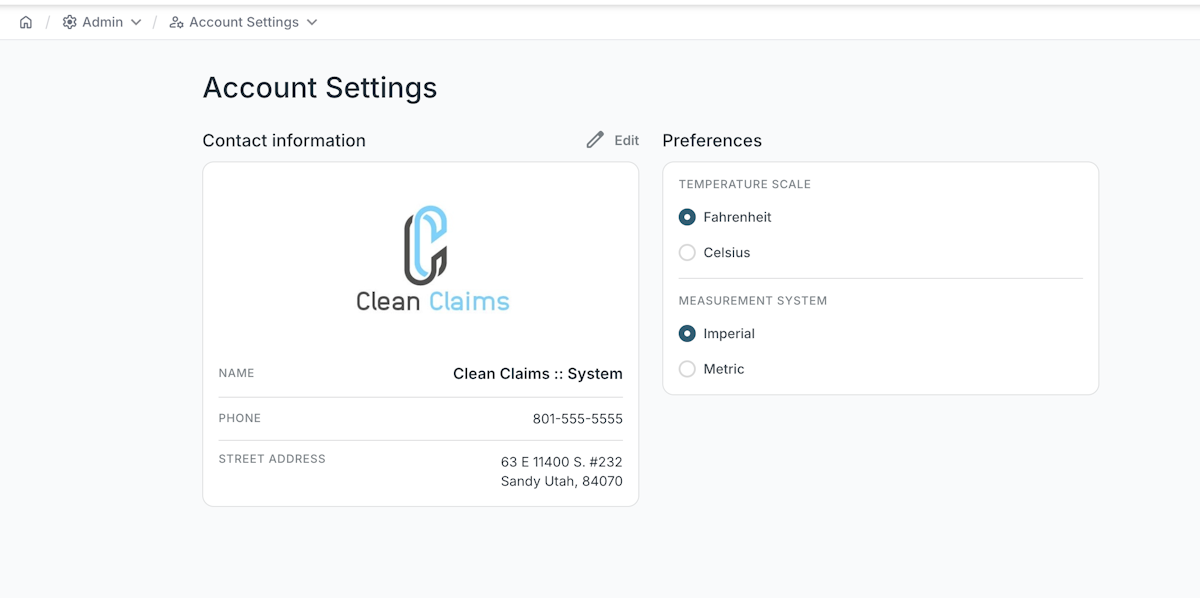
You can now select your preferences in Temperature Scale (Fahrenheit, Celsius) and your Measurement System (Imperial, Metric).
Related Articles
Project Settings Overview
<br> Setting Up Project Settings in Clean Claims 1. Access Project Settings Navigate to Admin > Project Configurations > Project Settings. This is where you will configure all project-related settings. 2. Select Project Designation and ...The Ultimate Guide to Setting Up Clean Claims Remote Monitoring
Welcome to Clean Claims' step-by-step guide on establishing an effective remote monitoring system for your restoration projects. This guide combines detailed instructions with video tutorials to ensure you're fully equipped to monitor your projects ...Validate field values
There are often times when it’s necessary to validate the data entered by a signer to ensure it matches a specific format. This can include phone numbers, email addresses, passport details, identification numbers, and more. Clean Claims Sign provides ...Roles and Permissions
Clean Claims allows you to set different roles and permissions per user. Each role has specific allowances. Here are the prescribed permissions accordingly. ORGADMIN Full control over the organization, including user management, settings, and ...Clean Claims Feature - Photo Quality
<br> Selecting Image Quality in Final Reports 1. Accessing the Final Report Feature Log in to the Clean Claims system at app.cleanclaims.com . Navigate to the section for generating final reports. 2. Selecting Image Quality ...